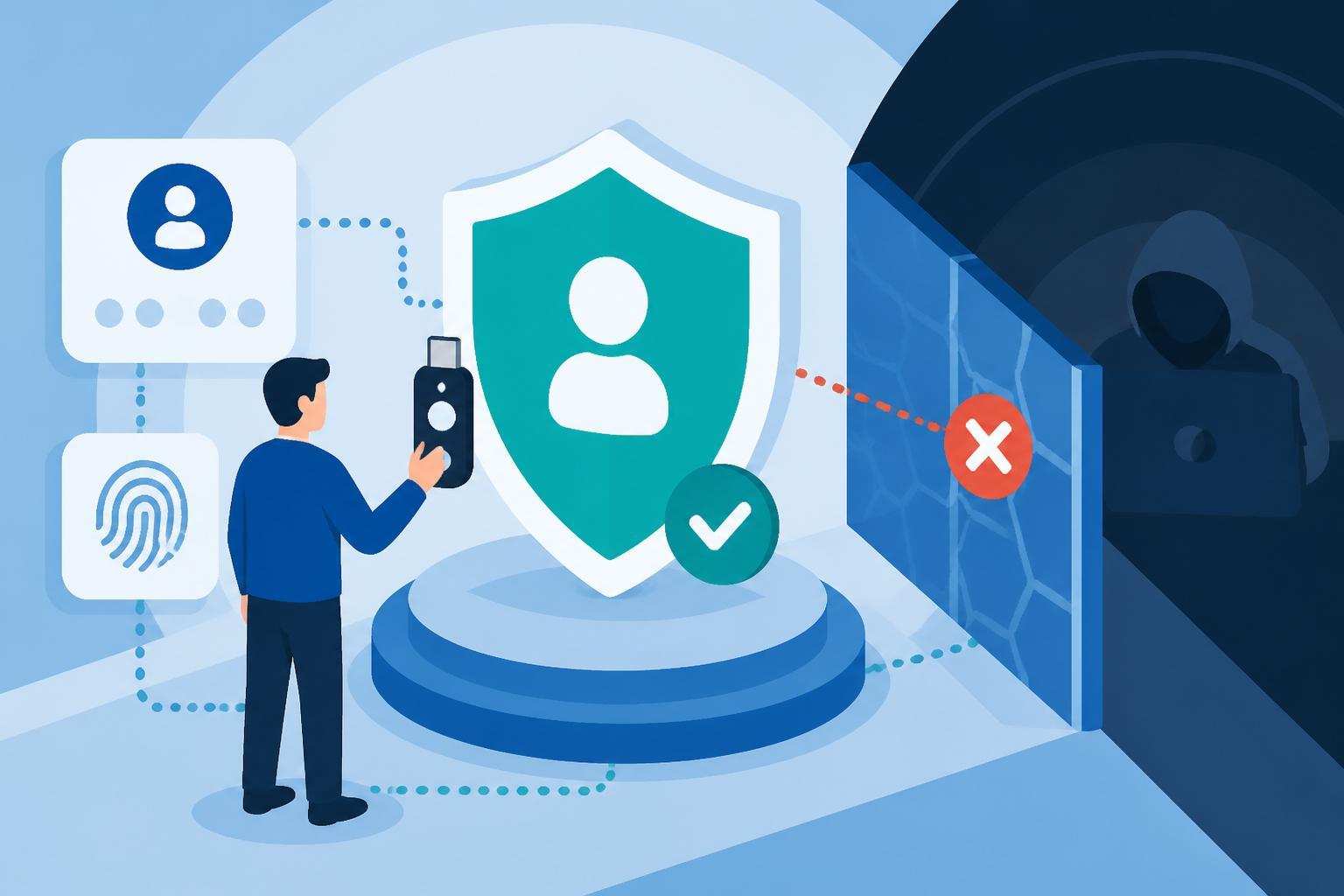
Your team enrolled FIDO2 security keys last quarter, thinking phishing-resistant authentication was covered. Then an attacker called your CFO, convinced her the Yubikey "needs re-registration," and walked away with her credentials and a Time-Based One-Time Password instead.
Enrollment doesn't equal enforcement. This guide shows you how to close the gap.
Scope
This guide focuses on technical controls to prevent MFA downgrade attacks in identity provider environments. You'll find configuration steps, policy requirements, and detection patterns to block social engineering attempts that trick users into switching from phishing-resistant authenticators to weaker methods.
What's included:
- Policy configurations to disable weak factor fallback
- Network and device context enforcement
- Authenticator lifecycle controls
- Detection signatures for downgrade attempts
What's not covered: General phishing awareness training, endpoint hardening outside the authentication flow, or identity provider migration planning.
Key Concepts
Phishing-Resistant Authentication: This method establishes a cryptographic relationship between the user's authenticator and the service provider. Without a shared secret, there's nothing to intercept. Even with a stolen password, the attacker needs physical access to the enrolled device or security key.
Three methods qualify:
- FIDO2 WebAuthn (hardware keys, platform authenticators)
- Smart Cards (PIV cards)
- Device-bound cryptographic authenticators (like Okta FastPass)
MFA Downgrade: Social engineering that convinces users to authenticate with a phishable factor instead of their enrolled phishing-resistant method. Attackers can't defeat FIDO2, so they manipulate users into choosing SMS, email, or One-Time Password verification instead.
Operator-in-the-Loop Attack: Voice phishing where an attacker stays on the phone with the target during the authentication attempt, providing real-time instructions to bypass controls.
Attack Pattern Breakdown
Attackers embed downgrade pretexts at two points:
In the phishing kit interface: The fake login page displays messages like "If you currently utilize a Yubikey on your Okta, it may need to be re-registered." The user sees this, assumes their Multi-Factor Cryptographic Device won't work, and selects the one-time passcode option. The attacker captures credentials and the OTP, then logs in before the code expires.
In the initial lure: The social engineering happens before the user reaches the phishing site. In campaigns observed in mid-2025, attackers sent Slack messages instructing targets to avoid using Okta FastPass. Earlier SMS campaigns in 2023 asked users to remove their physical security keys entirely.
Both approaches exploit the same weakness: your authentication policy allows factor choice.
Enforcement Requirements
1. Authentication Policy Configuration
Configure policies that require phishing-resistant factors for all protected resources:
- Set authenticator requirements to "Possession factor only" with specific types: FIDO2 WebAuthn, Smart Card, or your provider's device-bound cryptographic method
- Remove SMS, email, and software OTP from allowed factor lists
- Apply this policy to all applications, not just high-value targets; attackers pivot from low-value apps
2. Authenticator Lifecycle Controls
Block users from modifying their enrolled factors without strong verification:
- Require phishing-resistant authentication to add new factors
- Require phishing-resistant authentication to deactivate existing factors
- Set account management policies that restrict factor changes based on network zones and device management status
If a user can't add a One-Time Password generator while on a voice call with an attacker, the downgrade attempt fails.
3. Network Context Restrictions
Deny authentication attempts from locations where you don't operate:
- Configure network zones by country, ASN, or IP range
- Block access from anonymizing proxies and VPN exit nodes by default
- Apply geographic restrictions to both application access and factor management
4. Device Trust Requirements
Limit authentication to managed endpoints:
- Require device registration with your endpoint management platform
- Verify device compliance state before allowing sign-in
- Block unmanaged devices from enrolling new authenticators
Detection Signatures
Monitor for these indicators of downgrade attempts:
Factor enrollment changes: User deactivates a FIDO2 key and enrolls SMS or software OTP within the same session.
Rapid factor switching: Multiple failed authentication attempts with phishing-resistant factors followed by successful authentication with a weaker factor.
Geographic anomalies: Factor management actions from locations inconsistent with the user's normal pattern, especially if the new factor is immediately used from a different geography.
Authenticator lifecycle events from suspicious networks: New factor enrollments originating from anonymizing services or countries outside your operational footprint.
Enable end-user notifications for every authenticator lifecycle event. If your CFO receives an email saying "You just enrolled a new SMS factor" when she didn't, she can alert your team before the attacker uses it.
Common Pitfalls
Gradual rollout that never completes: You pilot phishing-resistant authentication with executives but leave weak factors enabled "for now." Attackers target the users still on legacy methods or socially engineer your executives into switching back.
Policy exceptions that become permanent: You create a network zone exception for a contractor or allow SMS for "account recovery scenarios." These exceptions become documented attack paths.
Notification fatigue: You enable authenticator lifecycle alerts but don't tune the messaging. Users ignore the emails. When a real enrollment happens, nobody notices.
Trusting user-reported "technical issues": An attacker calls your help desk claiming their security key stopped working. The technician resets their factors to SMS "temporarily." The attacker now controls the account.
Quick Reference
| Control Type | Configuration | Blocks This Attack |
|---|---|---|
| Authentication Policy | Require FIDO2/WebAuthn/Smart Card only | User can't select OTP when phishing kit suggests it |
| Account Management Policy | Require phishing-resistant auth to add/remove factors | Attacker can't enroll SMS after initial compromise |
| Network Zones | Deny access from non-operational countries | Attacker can't authenticate from foreign infrastructure |
| Device Trust | Require managed device + compliance | Attacker can't use stolen credentials from personal laptop |
| Lifecycle Notifications | Alert on all factor changes | User sees unauthorized enrollment in real-time |
The table assumes you've already enrolled users in phishing-resistant methods. If you haven't, start there. But don't stop there. Enrollment creates the capability. Enforcement removes the alternatives.